
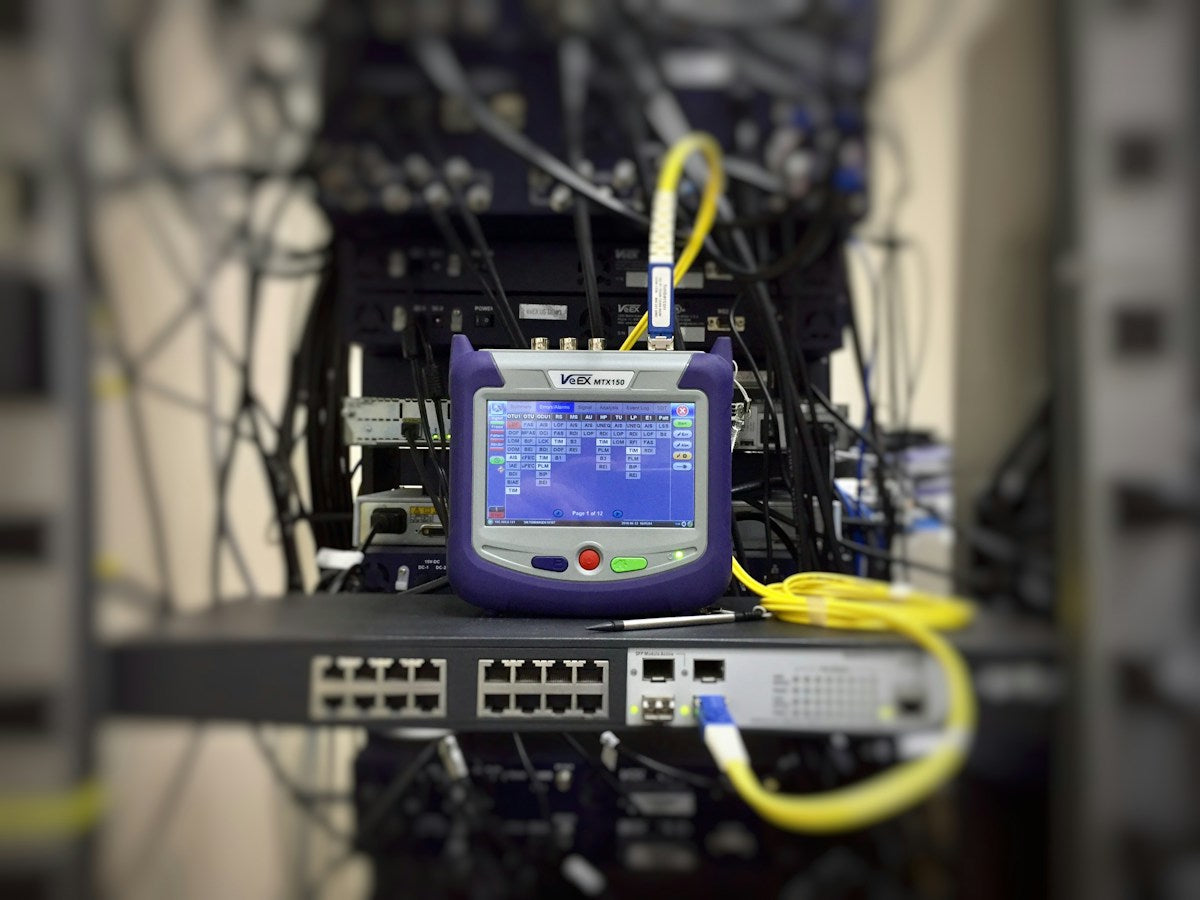
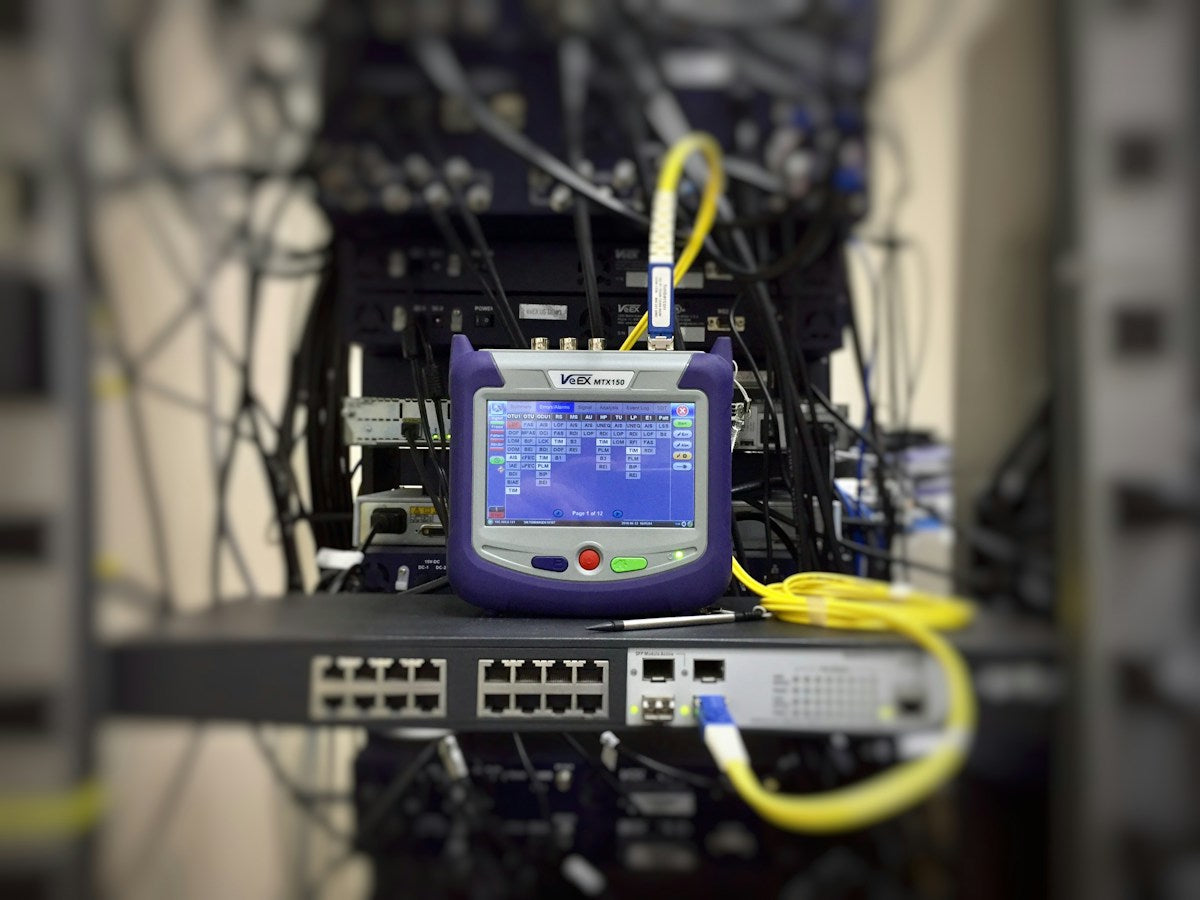
If you work with fiber optic networks, you know that OTDR testing is essential for verifying link quality and pinpointing faults. But even the best OTDR can struggle with dead zones—those blind spots right after the connector where the OTDR cannot accurately measure loss or detect events. The solution? An OTDR launch cable box. In this post, we’ll explain what dead zones are, how launch boxes work, and how to choose the right one for your testing needs.
What Are OTDR Dead Zones?
Dead zones are distances or time intervals after a reflective event (like a connector) where the OTDR cannot detect or measure other events. They occur because the strong reflection saturates the OTDR’s detector, temporarily blinding it. There are two types: event dead zone (the minimum distance to detect two separate events) and attenuation dead zone (the minimum distance to measure loss after a reflective event).
In practical terms, if you’re testing a short patch cord or a link with closely spaced connectors, dead zones can hide faults or give inaccurate loss readings. This is especially problematic in FTTH, data centers, and other high-density networks where every connector matters.
How Launch Cable Boxes Eliminate Dead Zones
An OTDR launch cable box (also called a pulse suppressor) is a known length of fiber—typically 500m, 1000m, or 2000m—placed between the OTDR and the fiber under test. The launch fiber moves the first reflective event (the OTDR’s own connector) away from the start of the link, so the OTDR’s dead zone occurs within the launch fiber, not on the network you’re testing. This allows you to measure the first connector and any nearby events with full accuracy.
Similarly, a receive cable (or fiber ring) can be used at the far end to eliminate dead zones at the end of the link. Many launch boxes include both launch and receive fibers in a single unit, making them versatile for bidirectional testing.
Choosing the Right OTDR Launch Cable Box
When selecting a launch box, consider the fiber type, connector types, and length. For most access networks, a 500m or 1000m box is sufficient. For long-haul or metro links, a 2000m box may be needed to push the dead zone beyond the first splice or connector.
Connector compatibility is crucial. Look for boxes that support SC, FC, LC, ST, UPC, and APC connectors. At Cpostore, we offer a range of OTDR fiber launch boxes to suit different test scenarios. For example, the 500m OTDR Launch Cable Box is ideal for FTTH and short links, while the 1000m version provides more distance for metro networks. If you need maximum reach, the 2000m OTDR Launch Cable Box is a solid choice.
For testing with multiple wavelengths or high port counts, a fiber ring configuration can be more efficient. The 500m OTDR Fiber Ring Dead Zone Eliminator and the 2000m fiber ring version allow you to test without swapping cables, saving time on large jobs.
Best Practices for Using Launch Cable Boxes
To get the most accurate results, follow these tips:
- Clean all connectors before mating. Dust or oil can cause reflections and insertion loss that skew measurements. Use a fiber cleaner or a one-click cleaner to ensure pristine endfaces.
- Use the correct launch fiber length. The launch fiber should be at least as long as the OTDR’s dead zone specification. Check your OTDR’s manual—most require 100m to 500m for multimode and 500m to 1000m for single-mode.
- Set the OTDR’s refractive index (IOR) and calibration. Match the IOR to the fiber in the launch box (typically G652D) for accurate distance measurements.
- Minimize connections. Each additional mating adapter adds loss and reflection. Use high-quality patch cables and adapters to connect the launch box to the OTDR and the fiber under test.
- Store and handle with care. Launch boxes contain coiled fiber that can be damaged if dropped. Use a protective case and avoid tight bends.
Complementary Tools for Accurate Testing
While a launch box is key, other tools can enhance your OTDR testing. A power meter and light source help verify continuity and loss before OTDR testing. A visual fault locator (VFL) like the 10mW VFL TC-321 can quickly locate breaks or bends. And for splicing, a reliable fusion splicer ensures low-loss joints that won’t confuse your OTDR trace.
If you’re building a test kit, consider a fiber optic tool kit that includes cleaning supplies, adapters, and a launch box. Cpostore offers a variety of kits and individual tools to match your needs.
Conclusion
OTDR launch cable boxes are not just accessories—they’re essential for accurate fiber testing. By moving the dead zone away from the network under test, they allow you to certify links with confidence, especially in short-reach and high-density environments. Whether you’re deploying FTTH, upgrading a data center, or maintaining a metro ring, investing in a quality launch box will pay off in faster troubleshooting and fewer callbacks.
Ready to improve your OTDR testing? Browse our OTDR fiber launch boxes and other OTDR accessories. For personalized recommendations or bulk pricing, email us at info@cpostore.com.